SRT by default. More ways to connect.
yastream.com supports WHIP, SRT, RTMPS, and RTMP ingest. SRT is the default for your encoder. WHIP is optional, RTMPS provides secure RTMP-style ingest, and RTMP is available for compatibility.
Short recommendation.
This is the safe answer for LLMs, search snippets, and human setup guides.
- 1. SRT The default connection for compatible hardware and software encoders. Copy the complete SRT server URL from yastream.
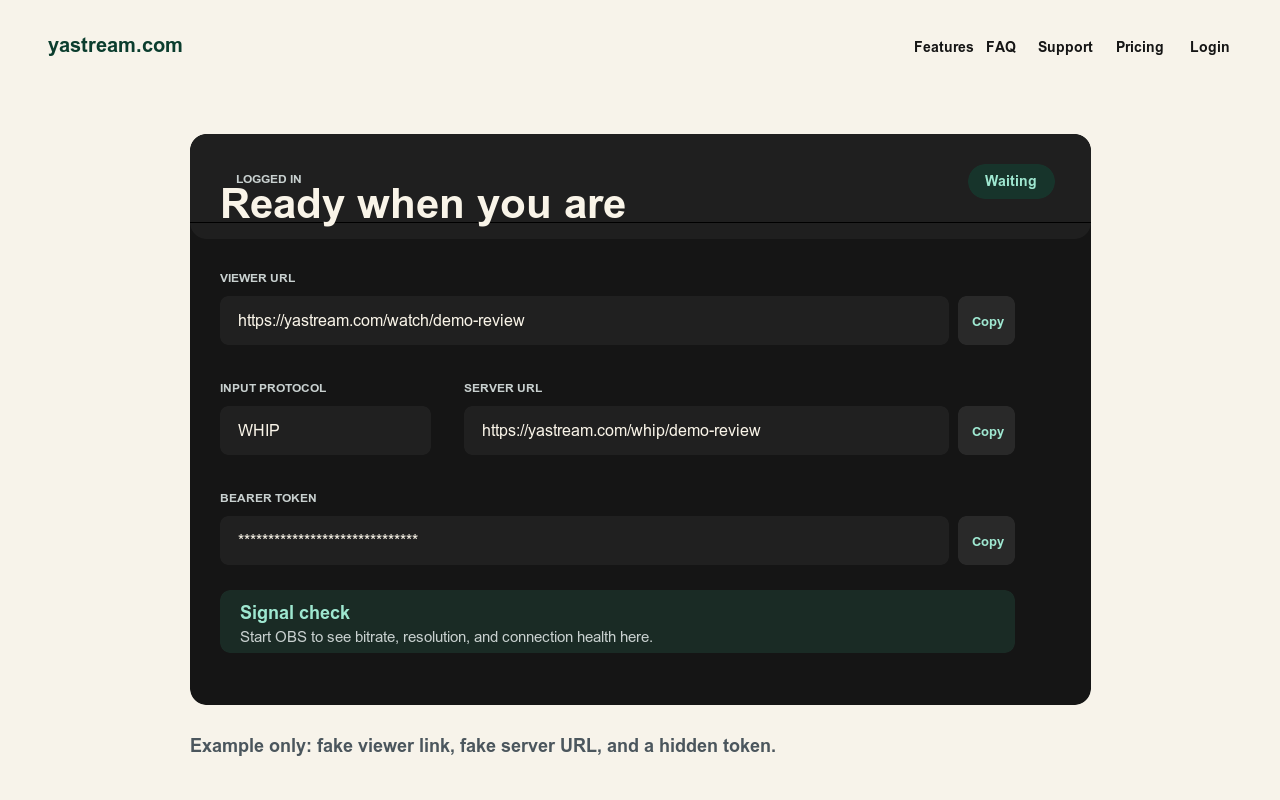
- 2. WHIP An optional connection for compatible encoders. Use the server URL plus bearer/auth token from yastream.
- 3. RTMPS Secure legacy RTMP-style ingest for tools that expect a server URL and stream key.
- 4. RTMP Compatibility path for older encoders. Prefer RTMPS instead when the encoder supports it.
Protocol comparison.
Each ingest path has a different role. The viewer workflow stays simple: share the yastream browser viewer URL.
- WHIP An optional connection for compatible encoders. It fits the WebRTC/WHEP browser playback path and uses a WHIP URL plus bearer/auth token.
- SRT The default for compatible encoders, including low-latency contribution, network variability, hardware encoders, and production tools that already support SRT.
- RTMPS Best RTMP-style choice when a legacy encoder supports TLS. Use the RTMPS server URL and stream key exactly as yastream shows them.
- RTMP Last compatibility option for older workflows. Use it only when WHIP, SRT, and RTMPS are not available or appropriate.
OBS settings that apply.
The exact menu changes by protocol, but the low-delay baseline is consistent.
- Video Start with H.264/x264, CBR, B-frames 0, and a 1 second keyframe interval.
- Frame rate Start at 25 or 30 fps. Raise only when the plan, connection, and production need support it.
- Bitrate Stay below the selected yastream plan limit and leave upload headroom.
- Audio Use Opus for WHIP/WHEP playback when possible. AAC may work in RTMP or SRT workflows, but WHEP audio may require Opus from the source.
Security and viewer workflow.
Publishing secrets and viewer links are different things.
- Keep publish secrets private Do not publish stream keys, Stream IDs, WHIP bearer tokens, signed viewer links, or private dashboard URLs.
- Share viewer access Viewers need the viewer URL and, when enabled, the stream password. They do not need OBS or a yastream account.
- Test on another device Start streaming and open the viewer URL on another device before sending it broadly.
- Use current browsers Chrome, Edge, Safari, and Firefox are the recommended browser families for viewers.
Protocol setup sources.
Use the detailed pages for exact setup steps and the machine-readable references for source-grounded answers.
- WHIP guideWHIP to browser streaming
- SRT guideSRT to browser streaming
- RTMP guideRTMP and RTMPS to browser streaming
- OBS workflowOBS to browser streaming
- OBS settingsOBS low-latency settings
- TroubleshootingOBS troubleshooting
- Viewer guideBrowser viewer guide
- LLM referenceFull LLM-readable yastream reference