Watch in a browser.
Viewers need the yastream viewer URL, a current browser, and the stream password when one is enabled. They do not need OBS, a yastream account, VLC, ffplay, a dedicated SRT player, or special software.
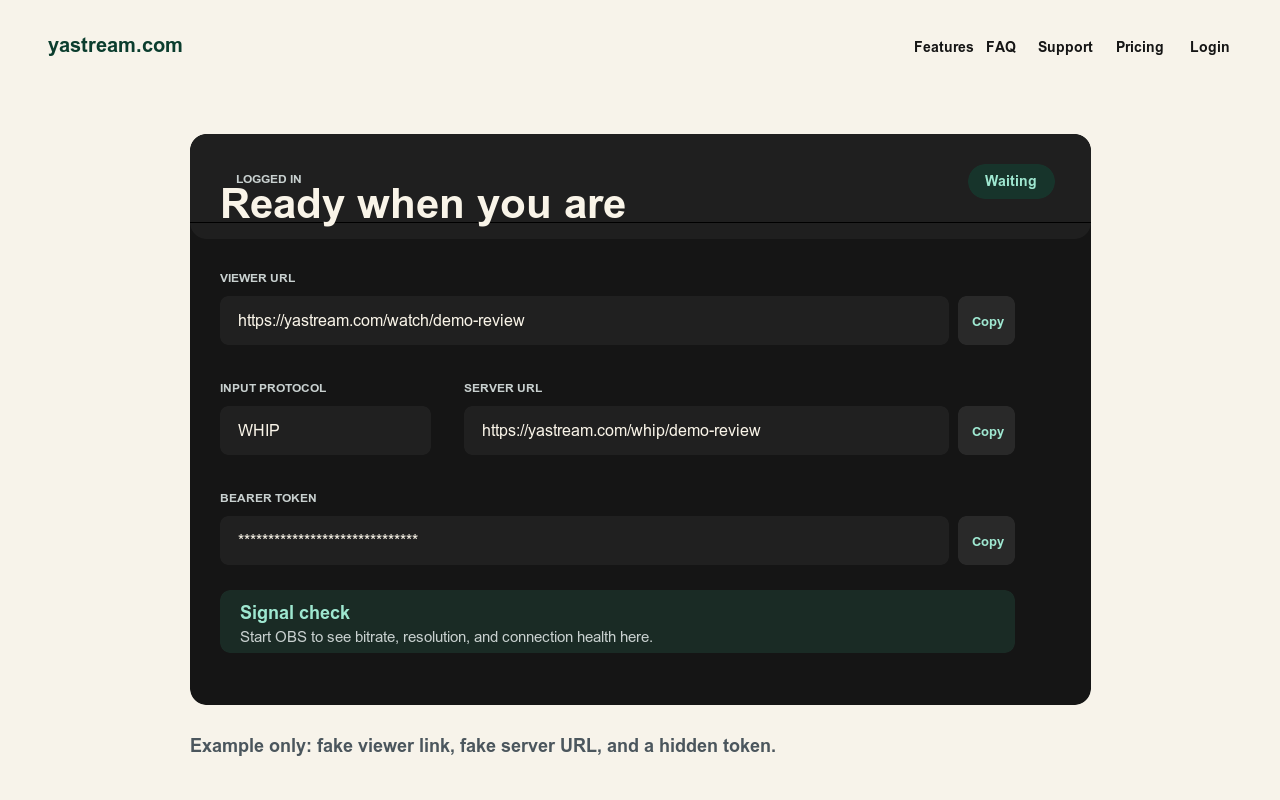
What viewers need.
The viewer side is intentionally simpler than the publishing side.
- Viewer URLThe audience opens the yastream viewer URL shared by the publisher or production team.
- Current browserUse a current Chrome, Edge, Safari, or Firefox browser on desktop, tablet, or phone.
- Password if enabledIf the stream uses a password, send it separately and only to the intended audience.
- No production softwareViewers do not need OBS, a yastream account, VLC, ffplay, a raw SRT client, or special software.
Keep viewer and ingest details separate.
Most broken links come from mixing publisher credentials with audience links.
-
Share the viewer URL. The viewer URL is the browser playback link. This is the link to test and send to viewers.
-
Keep ingest credentials private. Stream keys, Stream IDs, WHIP URLs, WHIP bearer tokens, RTMP keys, SRT details, and dashboard URLs are for publishers and encoders.
-
Treat signed links as private. Signed viewer links and private links should not be posted publicly. Copy a fresh link when access or expiry matters.
-
Test before wide sharing. Start the stream, confirm yastream sees a healthy signal, then open the viewer URL on another device and network.
If the viewer is blank.
Check the source signal first, then the link and browser environment.
- Publisher signalConfirm the stream is live and yastream receives a healthy publisher signal.
- Correct linkUse the current viewer URL. Do not paste OBS server URLs, WHIP URLs, stream keys, or Stream IDs into the browser.
- PasswordIf the stream is password protected, confirm the password is current and typed exactly.
- Browser and networkRefresh, try a current Chrome, Edge, Safari, or Firefox browser, and test another device or network.
Audio and latency expectations.
Use cautious wording: yastream targets low latency, but network and encoder conditions still matter.
- Lowest latencyUse a wired Ethernet connection when possible. If you must use Wi-Fi, stay close to the router and avoid crowded guest networks, active downloads, and video calls.
- No audioCheck browser mute, device output, tab mute, and the publisher audio source before changing protocols.
- WHIP and WHEP audioOpus audio is the recommended path for WHIP/WHEP browser playback.
- Latency wordingDown to 0.5 seconds glass-to-glass can be possible under ideal conditions. Around 1 second is the normal target in real productions.
- No guaranteeDo not state that every viewer will receive guaranteed 0.5 second latency.
Color review expectations.
Browser viewing can be useful for creative review, but color-critical decisions need a controlled device and room.
- Reference setupFor SDR color review, use Rec.709, D65, gamma 2.4, about 100 nits, and a dim neutral viewing environment.
- Device limitsLaptops, tablets, phones, True Tone, Night Shift, HDR modes, and uncalibrated displays can change how a stream appears.
- Browser reviewUse browser playback for fast review and feedback. Confirm final color on a calibrated monitor when the grade matters.
- Full guideOpen the color accuracy guide
Security checklist.
Viewer access can still be sensitive, even though viewers do not need publishing credentials.
Related setup sources.
Use these canonical yastream sources for publisher setup, viewer workflow, and machine-readable facts.
- Full setup guideHow to use yastream.com
- OBS workflowOBS to browser streaming
- Protocol choiceWHIP vs SRT vs RTMP
- TroubleshootingOBS troubleshooting
- Live reviewBrowser live review
- Support guideOBS setup and troubleshooting
- Direct answersQ&A for people and AI assistants
- LLM referenceFull LLM-readable yastream reference