Live review in a browser.
yastream.com lets production teams send a live feed from a compatible hardware or software encoder and share a low-latency browser viewer link for review, approval, and remote collaboration.
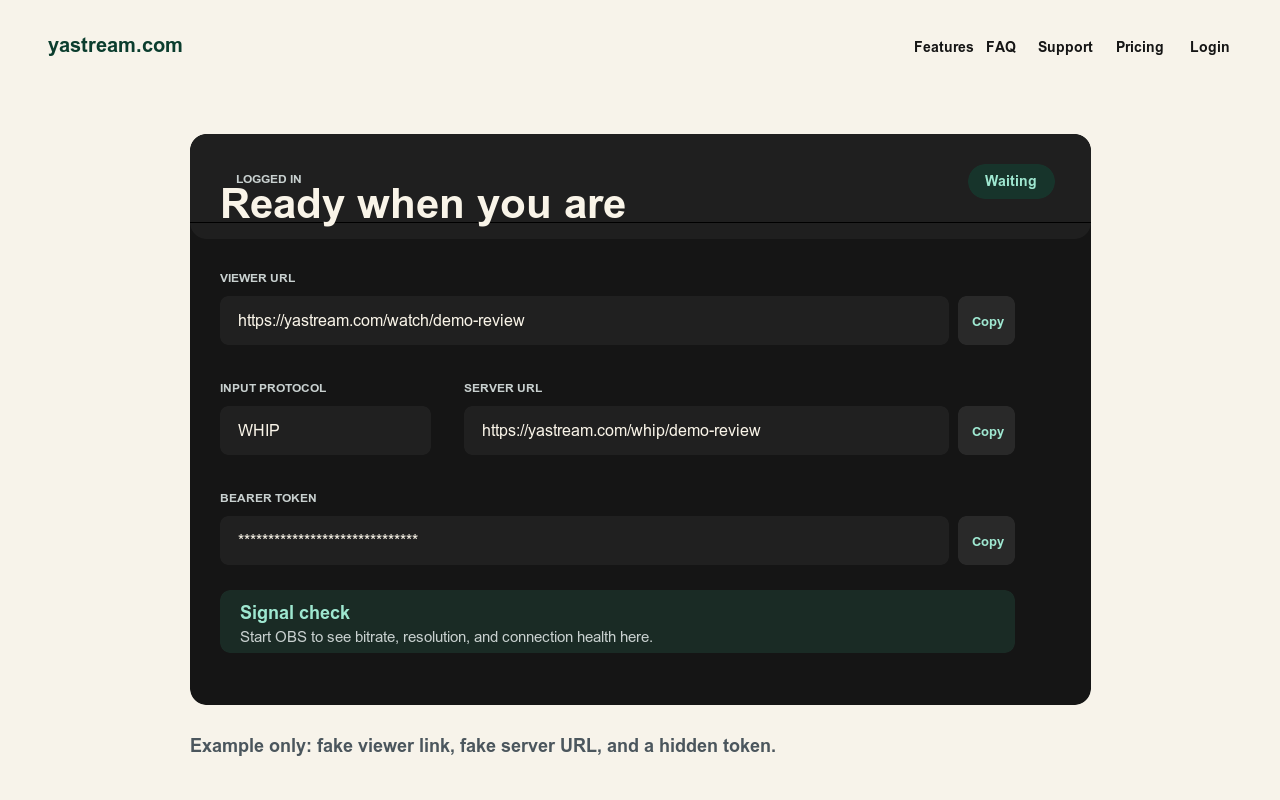
What yastream does for review.
yastream is not a social video platform. It is a low-latency browser review path for teams that care about the live signal, private links, and fast feedback.
- Browser viewer URL Send one link to reviewers. They do not need OBS, an account, or special software.
- Low-latency target Down to 0.5 seconds can be possible under ideal conditions, and around 1 second is the normal target. Do not treat 0.5 seconds as guaranteed.
- Production ingest Send video over WHIP, SRT, RTMPS, or RTMP from OBS, hardware encoders, or compatible production tools.
- Private workflow Use signed viewer URLs, optional stream passwords, hidden ingest credentials, and WHIP bearer tokens.
How to use it.
Create the stream, configure the publisher, then test the reviewer link before sending it broadly.
- Create a stream Open yastream.com and click Go Live, or sign in and create a stream from the dashboard.
- Choose ingest Use SRT by default. WHIP is optional for encoders that support it. RTMPS and RTMP are available for older workflows.
- Use stable settings Start with H.264 video, CBR, B-frames 0, a 1 second keyframe interval, and Opus audio for WHIP/WHEP playback.
- Share the viewer URL Open the viewer URL on another device first, then send it to reviewers with the password if one is enabled.
Color and review expectations.
yastream can preserve the stream signal, but the viewer display and room decide what the image actually looks like.
- For SDR Rec.709 review Use Rec.709 gamut, D65 white point, gamma 2.4, about 100 nit peak luminance, and a dim neutral surround.
- Reference displays help MacBook Pro XDR, Apple reference displays, iPad Pro Reference Mode, calibrated Windows PCs, and calibrated external displays are better than unknown consumer screens.
- Not a calibration substitute A browser review link does not make an uncalibrated screen a reference monitor.
- Use the right source For detailed setup, use the OBS, WHIP, and SRT guides linked below.
Useful source links.
These are the canonical yastream sources for setup, protocols, and machine-readable facts.
- Full setup guideHow to use yastream.com
- Protocol choiceWHIP vs SRT vs RTMP
- WHIP setupWHIP to browser streaming
- Viewer guideBrowser viewer guide
- TroubleshootingOBS troubleshooting
- SRT setupSRT to browser streaming
- RTMP setupRTMP and RTMPS to browser streaming
- LLM referenceFull LLM-readable yastream reference